
To use all features of the Arceus X executor, users must obtain a valid activation key. It is important to understand that Arceus X NEO and Arceus X V5 use different key systems. Each version is designed for a different type of user, and their activation methods work in different ways.
The Arceus X NEO key system is completely free. Users can generate a key by completing short third-party ads, and the key remains valid for 24 hours. This makes Arceus X NEO a good option for beginners or users who want to test the executor without paying.
On the other hand, Arceus X V5 uses a paid-only key system. To activate Arceus X V5, users must purchase a valid key from the official reseller. This paid model supports premium features, faster updates, and AI-powered tools.
If you are unsure how the Arceus X key system works or how to get a key, this guide explains the complete step-by-step process. Follow the instructions carefully to obtain your Arceus X key and enjoy a smooth Roblox scripting experience.
How To Get the Arceus X Executor Key – Android Key System Guide
The method explained below is completely safe and secure. Before you follow the instructions, make sure that you have successfully installed the Arceus executor on your Android or PC using an Emulator.
Note: To get the latest updates on key systems and key giveaways, join the Official Arceus Discord.
Step 1: Launch the Arceus X on your mobile; its icon looks similar to the Roblox.
Step 2: Now, sign in/Sign up to Roblox using your username and password, and then start to play any game.
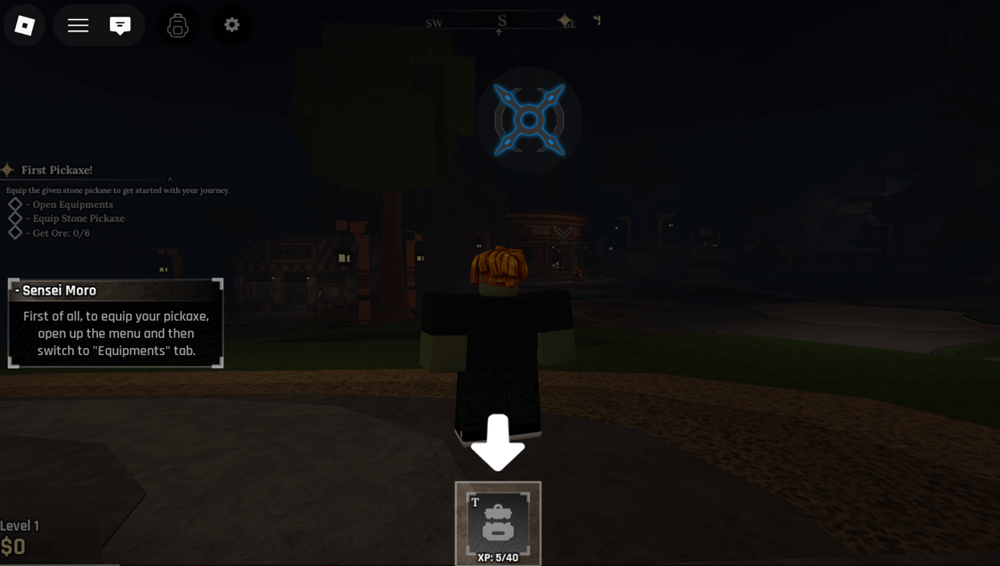
Step 3: Wait till you see Arceus X UI, tap on it to open the window. Here you will see Key Status: Key not found. (See image below)
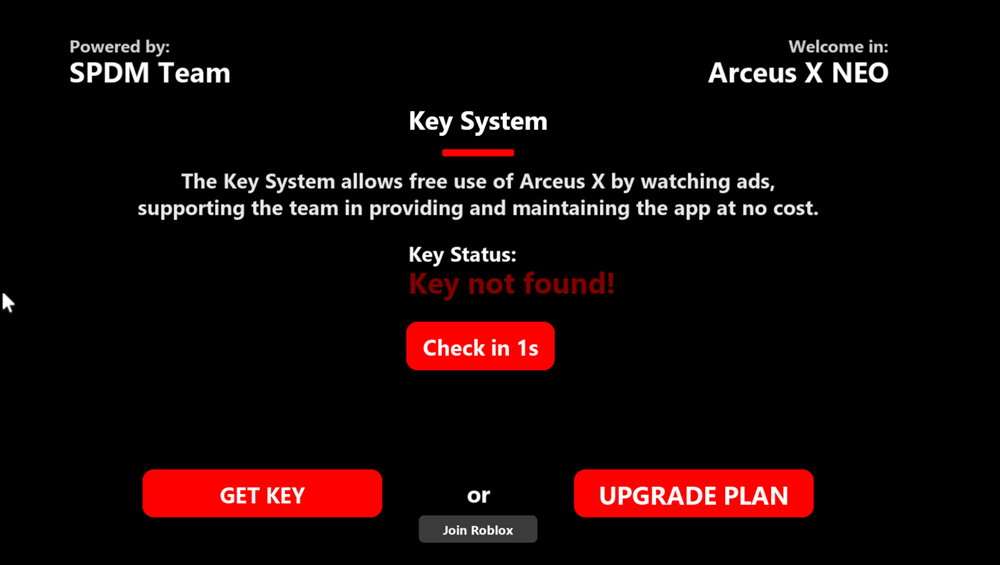
Step 4: Tap the “Get Key” button to copy a unique link, then open your web browser and paste it.
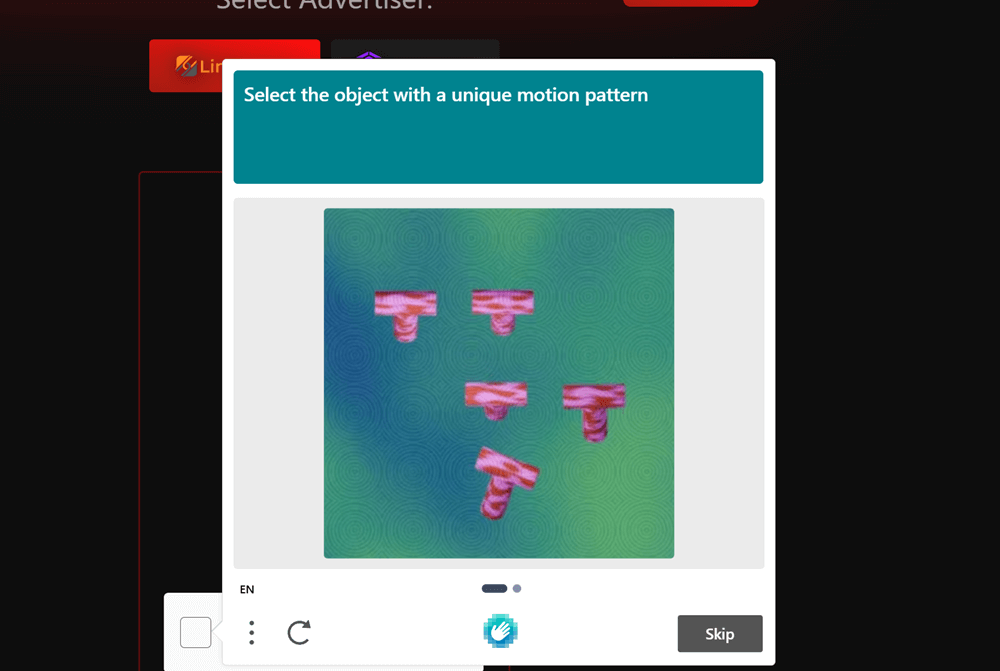
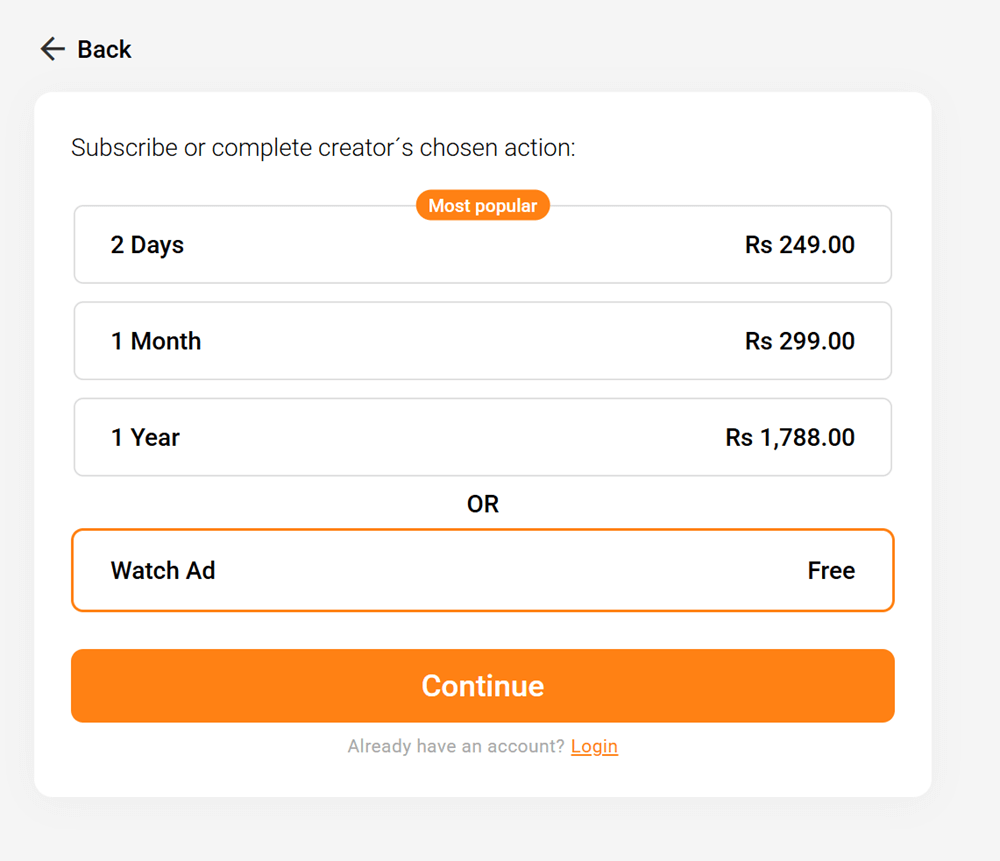
Step 5: Now you will see two options: either to watch ads on Linkvestise or buy a key. Tap the Linkvertise button, and then Get Link. After that, choose the Watch Ad option. (As seen in the image)

Step 6: Once the task is finished, you will see a message telling you that the Key System has completed.
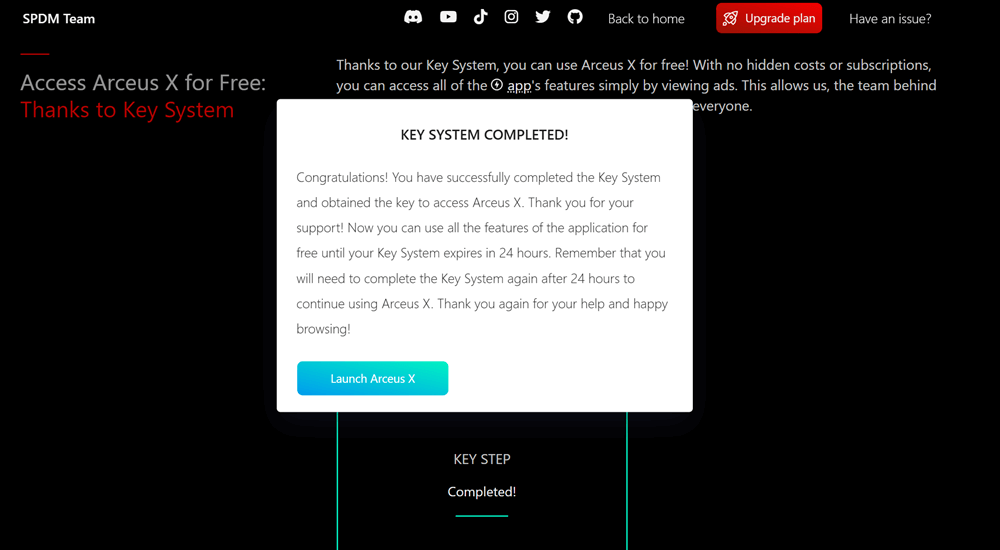
Step 7: After that, go back to Arceus X Executor and tap the Check Key button. Once you do that, you will see Key Status: Key Found.
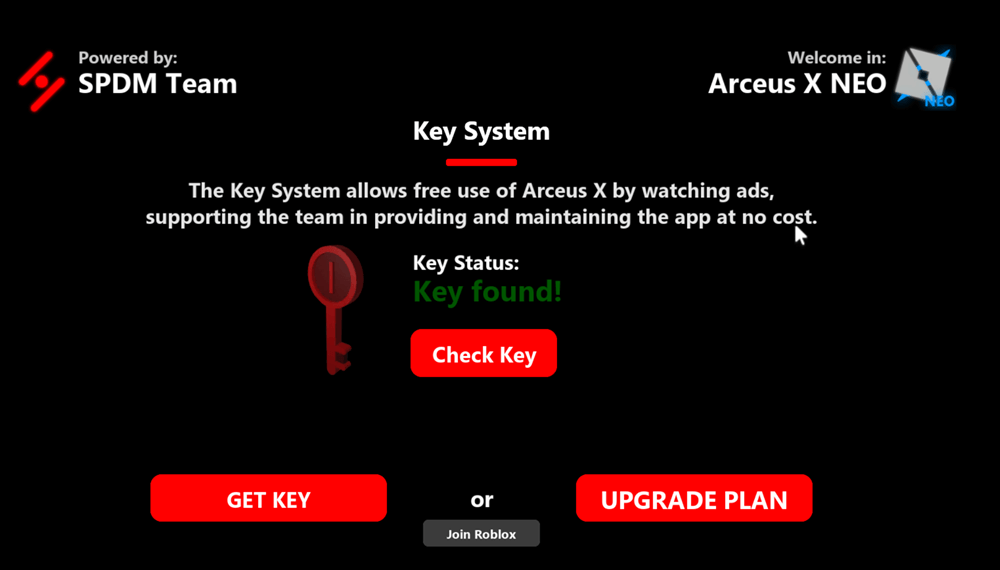
Step 7: Now that you have activated Arceus X, you can run scripts.
